
Write the policy first
Choose the policyholder, protected interest, covered risks, premium, deductible and exclusions. Explain the proof required and how a claim proceeds.
Fantasy cover and claims
The promise before the loss.
The evidence after it.
A claim your table can play.
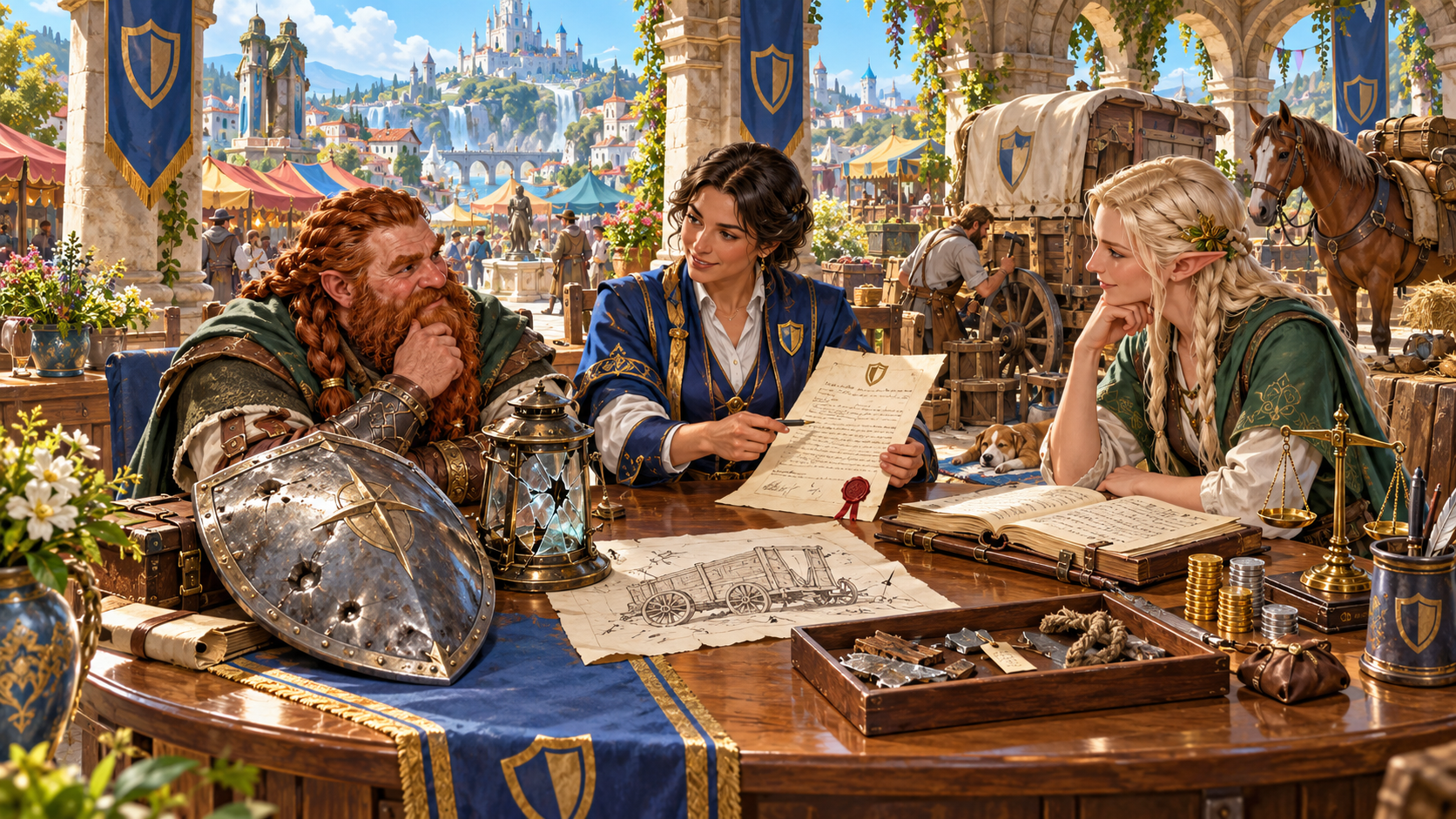
Start with the promise made before the loss
Give a fantasy claim terms your table can understand.
Choose the policyholder, protected interest, covered risks, premium, deductible and exclusions. Explain the proof required and how a claim proceeds.
Build the incident timeline, witnesses, evidence and disputed facts. Compare them with the agreed cover, then prepare an adjustment, settlement or appeal.
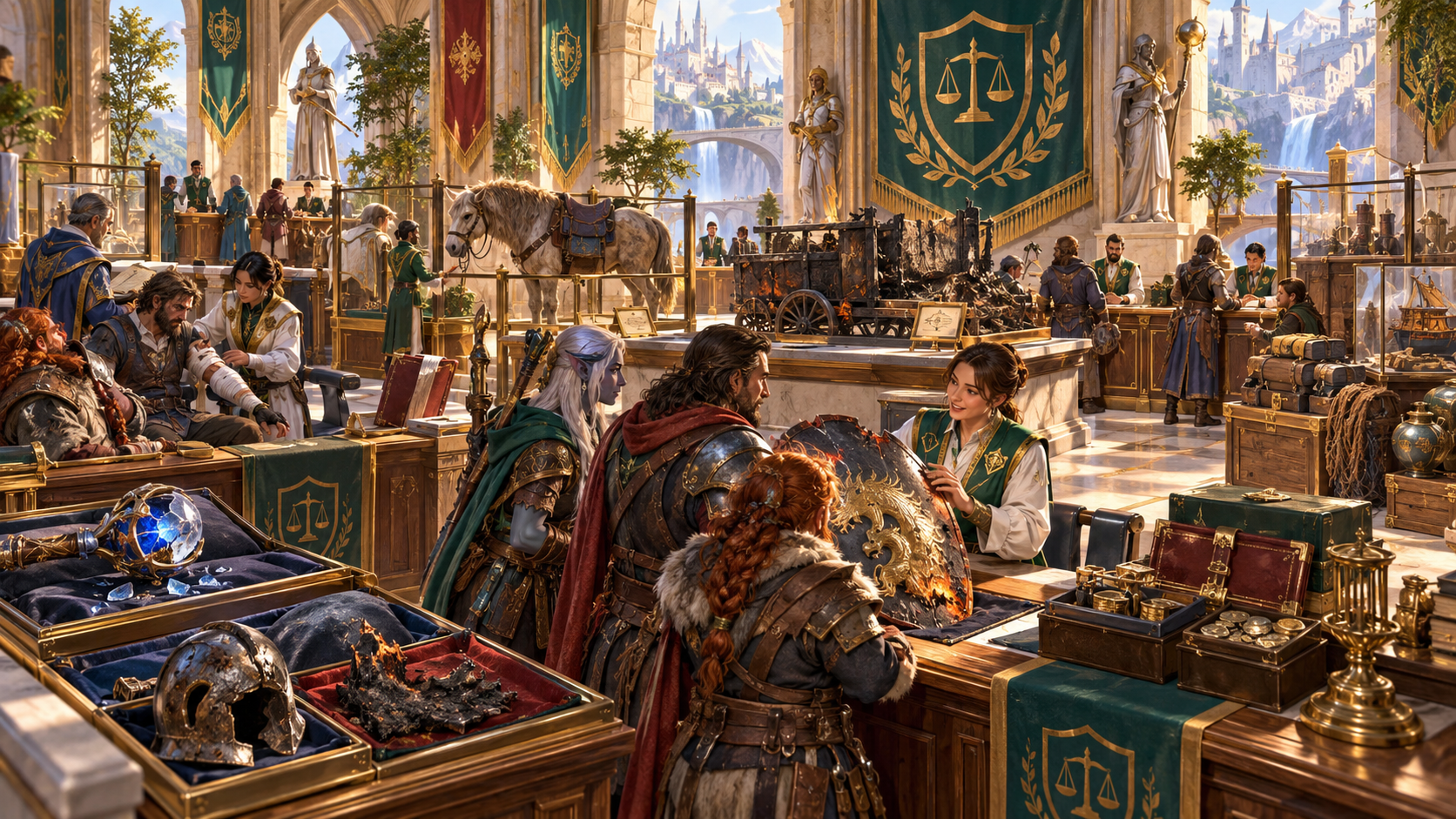
Adventurers discussing damaged belongings in an insurance hall
The illustration shows adventurers speaking with advisers in a hall of scales and banners. Burned equipment, damaged armour, a wagon, a mount and chests of valuables sit beside the desks.
Choose what the policy protects. Describe its limits, exclusions and evidence requirements, then give the claimant a process they can understand and a dispute worth discussing.
From the policy to the final decision
Build the details needed to investigate and negotiate.
Choose who is insured and what the policy protects. Cover equipment, mounts, hirelings, cargo, property, resurrection expenses or lost business.
Set the covered risks, limits and waiting periods. Make the promise clear enough for the claimant to understand before a loss.
Choose the premium, deductible and payment terms. Match the policy to the policyholder’s resources and insurer attitude.
Describe exclusions, cursed-property wording and salvage rights. Give a disputed clause a concrete place in the claim.
Build the timeline, damaged property and claimed loss. Put the incident beside the policy terms before deciding who pays.
Gather witness accounts, proof, disputed facts and missing evidence. Choose the evidence standard and what still needs investigation.
Prepare the adjuster’s findings, investigator and insurer position. Use the first decision to frame a negotiation or appeal.
Turn honest disagreement, suspected fraud, hidden misconduct or missing proof into an investigation your table can play.
Prepare payout, partial settlement, repair, rejection or compromise. Describe salvage, appeal options and lasting consequences.
Edit terms, evidence, decisions and appeals. Lock useful material, rebuild selected sections and use undo, redo, versions, copy, download or print.
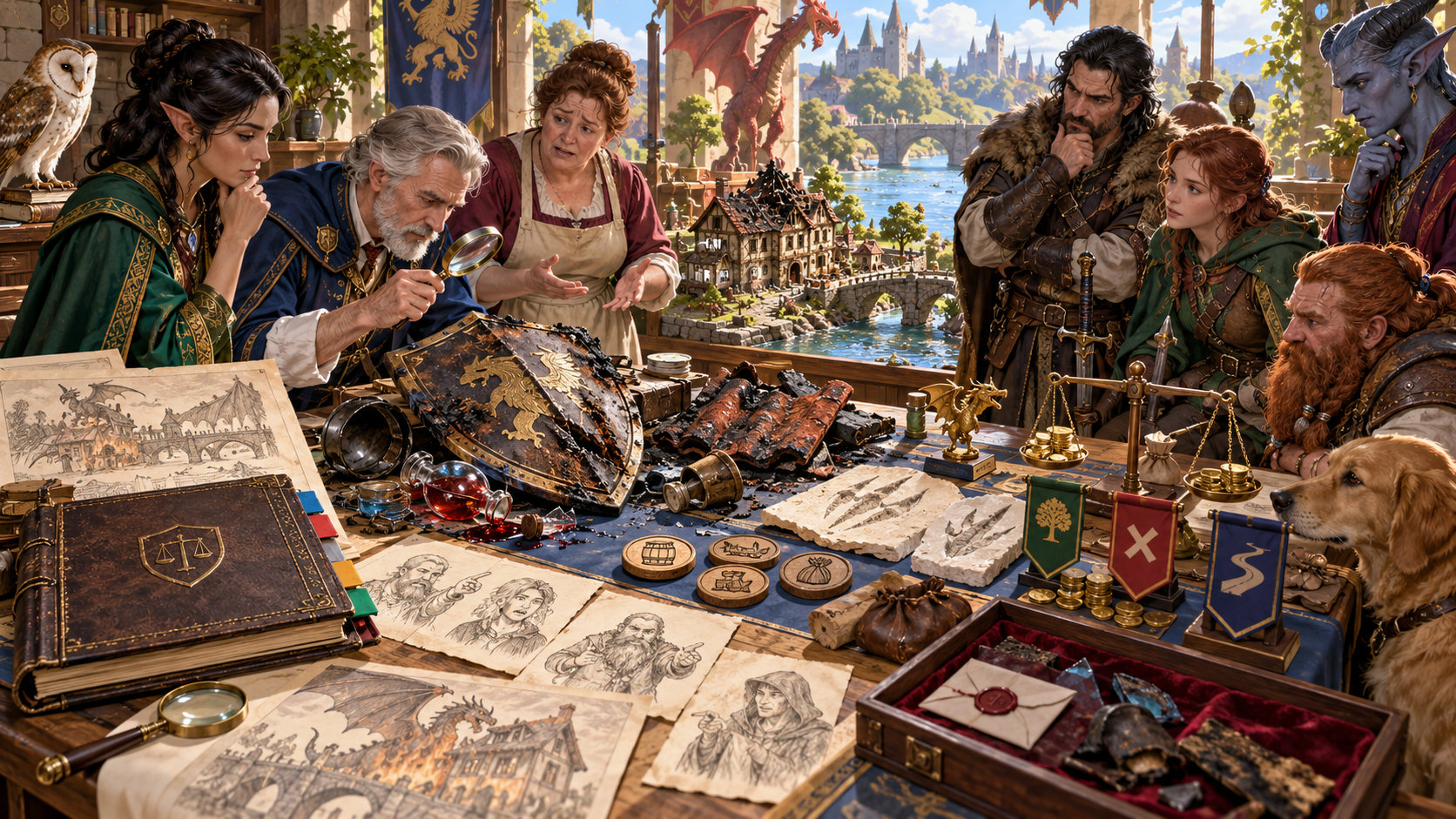
An investigation around a damaged shield and witness sketches
The illustration shows an adjuster examining a scorched shield while adventurers and witnesses gather around the table. Maps, portrait sketches, a policy book and claim tokens sit beside the damaged property.
Refine the incident, witnesses, proof and disputed clause. Add the adjuster, first decision and appeal route, then review the evidence against the agreed terms.
Prepare a claim your table can follow
Keep the policy and incident beside the outcome.
Name the policyholder and insurer. Set the type of cover, resources and insurer attitude, then choose the protected interest.
Prepare coverage, limits, waiting periods, premium, deductible, exclusions and evidence requirements. Add one plausible dispute.
Describe the timeline, claimed loss, witnesses, proof and missing evidence. Refine uncertain testimony, fraud concerns or hidden misconduct.
Review the adjuster’s findings, insurer position and ability to pay. Choose payout, repairs, partial settlement, rejection or compromise, with salvage and appeal options.
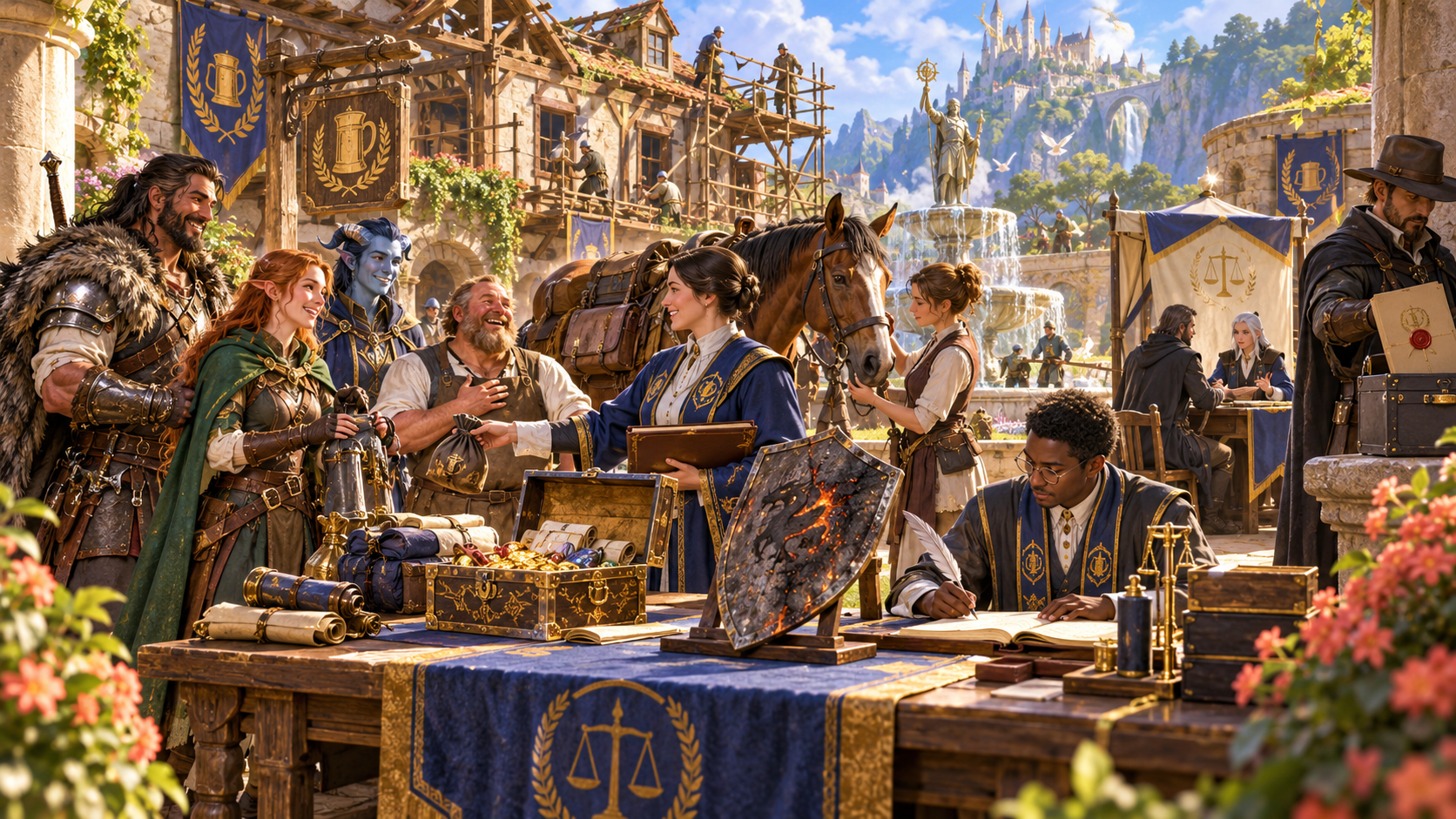
A settlement desk beside repairs and recovered valuables
The illustration shows adventurers meeting an adviser beside a settlement desk, coins and a scorched shield. Workers repair a building behind them while a clerk records the decision and another official carries a sealed document.
Describe a payout, repair, partial settlement, rejection or compromise. Include salvage rights, appeal options and lasting consequences so the claim can lead into the next scene.
Keep policies and claim files together
Prepare the record your table needs.
Edit policy terms, evidence, decisions and appeals together. Lock useful sections, rebuild selected material and use undo or redo.
Save policies and claim files to your account library, keep versions, rename or duplicate a policy, and add tags and notes to reopen later.
Prepare the complete Dungeon Master claim file or a player-facing policy certificate. Review hidden findings, private notes and custom edits before sharing.
Copy the chosen record, download the finished file as JSON or print the version you want beside your session notes.
Your workspace and related tools
Open your tools through your VISINVOKE account.

Open Adventurer Insurance & Claims Generator in DCC. Get the desktop workspace through your account installer page.

Prepare a separate story about making amends, its cost and how others respond. Use that material alongside the consequences of an adventure.
Product illustrations show a policy discussion, help with damaged belongings, an evidence review and a settlement beside repairs.
Questions and answers
Follow the promise through the claim.
It creates fantasy adventurer insurance policies and claim files: covered risks, premiums, deductibles, exclusions, evidence, adjusters, disputes, settlement and appeals.
Choose the policyholder, type of cover, resources and insurer attitude. Prepare the core terms, major exclusions, evidence requirements, claims process and one plausible dispute.
Refine the incident, damaged property, witnesses, evidence standard, adjuster, investigator, fraud concerns, insurer finances, guild or temple backing, salvage rights, special clauses, first decision and appeal route.
Build a claim around equipment, mounts, hirelings, cargo, property, resurrection expenses or lost business. Compare the incident and proof with the cover your table agreed.
Save policies and claim files to your account library, keep versions, rename or duplicate a policy, and add tags or notes. Copy a Dungeon Master claim file or player-facing certificate, download JSON or print. Review private findings and custom edits before sharing.
Open Adventurer Insurance & Claims Generator from the Generators collection in VISINVOKE Desktop Control Centre. Create an account or sign in and get DCC through your account installer page.
Continue in VISINVOKE
Create an account or sign in. Get Desktop Control Centre through your account installer page and open Adventurer Insurance & Claims Generator.
Keep your policies, evidence and claim decisions beside your adventure preparation.